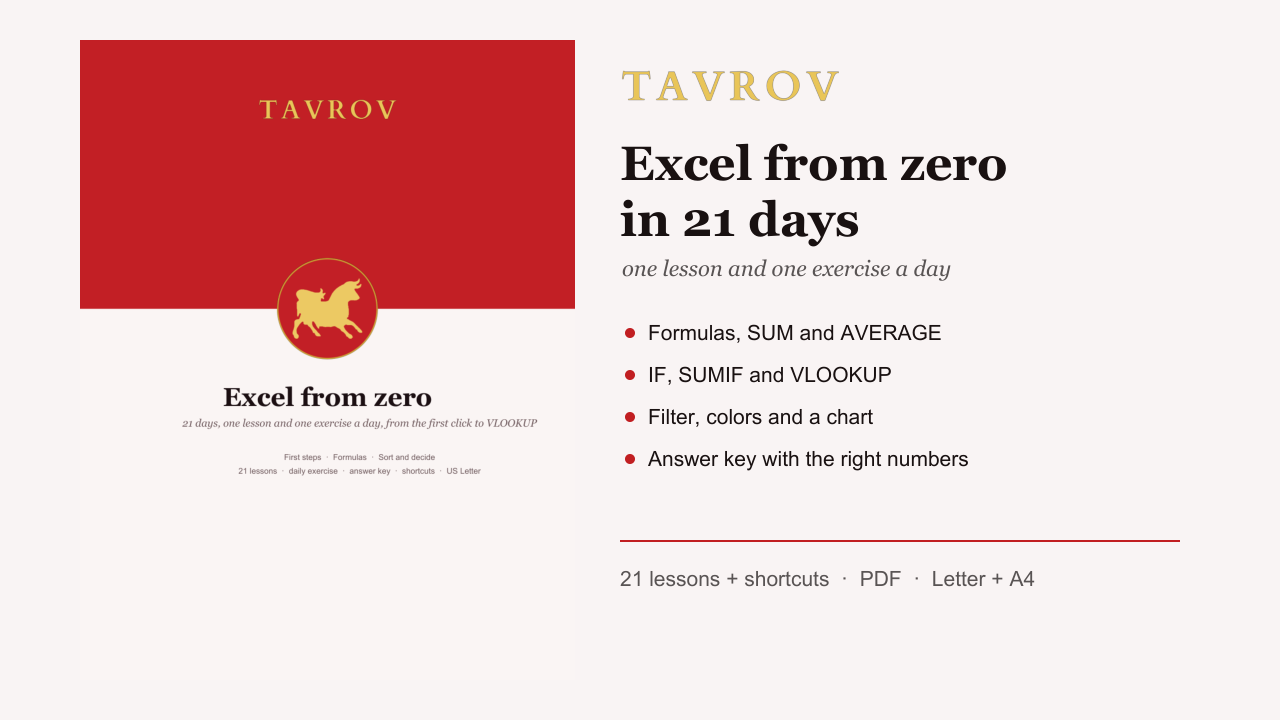
Excel from Zero in 21 Days: one lesson and one exercise a day, with answer key (PDF course)
21 short lessons with an Excel exercise each: formulas, SUM, AVERAGE, $ references, COUNTIF, filter, IF, SUMIF, conditional formatting, VLOOKUP and a chart. One expense sheet grows every day and the answer key has the right numbers. US Letter + A4.
US$ 5.00
✅ Final price · instant download, no shipping, no fees
Secure card checkout. Right after payment you get the download page (link valid for 30 days). Digital file: sales are final; if the file does not open, write to [email protected] and we fix it or refund you.
Description
For anyone who has never used Excel, or only types into it, and wants to do the math, organize lists and build an expense tracker on their own.
What's inside (21 lessons with an exercise)
- Week 1: The Excel screen; Type, fix and undo; Save without losing anything; Select the fast way; Column width; Number formats; Review: the expense sheet.
- Week 2: Your first formula; Copy a formula by dragging; SUM and AutoSum; AVERAGE, MAX and MIN; Lock a cell with $; Count with COUNTIF; Review: the finished budget.
- Week 3: Sort; Filter; Decide with IF; Add up one category: SUMIF; Color what matters; Look things up with VLOOKUP; Chart and final project.
Plus: the practice sheet, the shortcut sheet, the answer key with the right numbers, the end-of-course checklist and a certificate.
Format
Two PDFs in one download: US Letter and A4, in English, to read on screen or print.
Before you buy
This is a PDF course to read and practice on your own computer: there is no video. It uses Excel in US English (Microsoft 365, Excel 2016 or newer, Windows or Mac). Google Sheets and LibreOffice Calc in English use the same function names and almost everything works the same; the menus are in different places. On a Mac, Ctrl is often Cmd. The numbers in the practice sheet are just for practice.
See all products